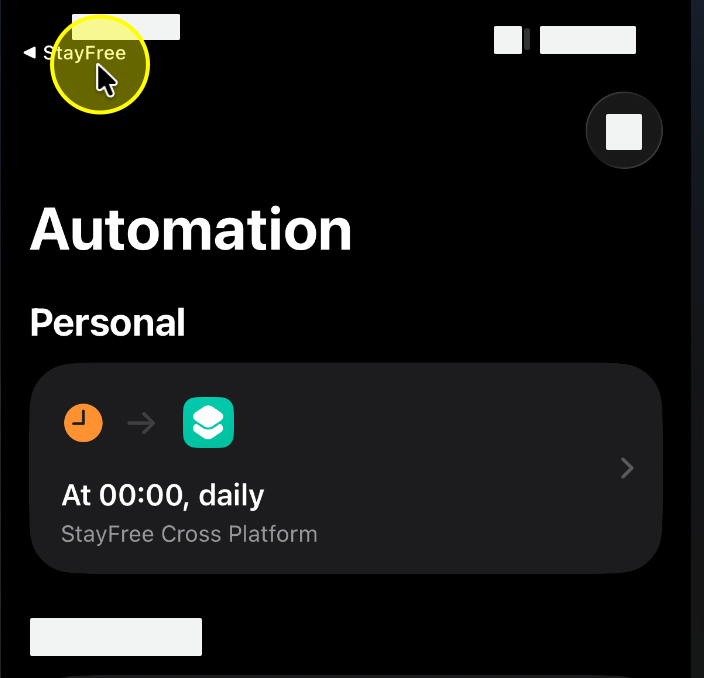
Part I
Add Shortcut
You are going to export your app usage data via Shortcuts. To do that, you need to add a shortcut to your Shortcuts app.
1. Tap the "Add Shortcut" button below.
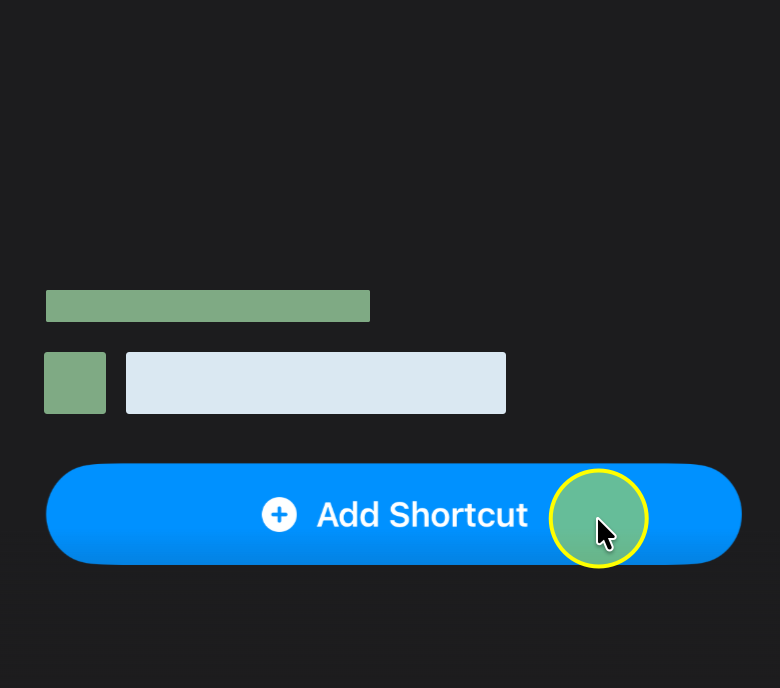
2. Navigate back to the StayFree app.
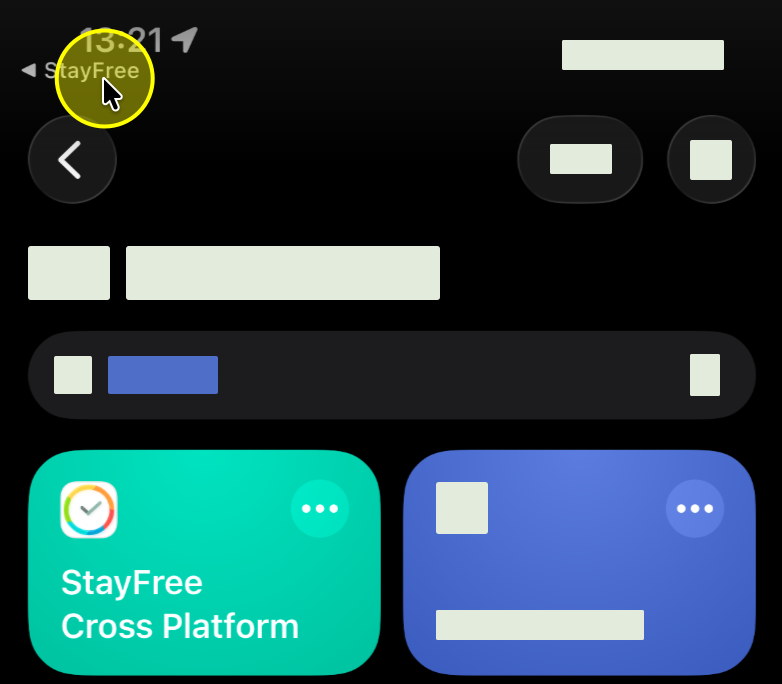
Part II
Run the Shortcut
Run the shortcut for the first time and grant the necessary permissions.
1. Tap "Allow" to grant permission.
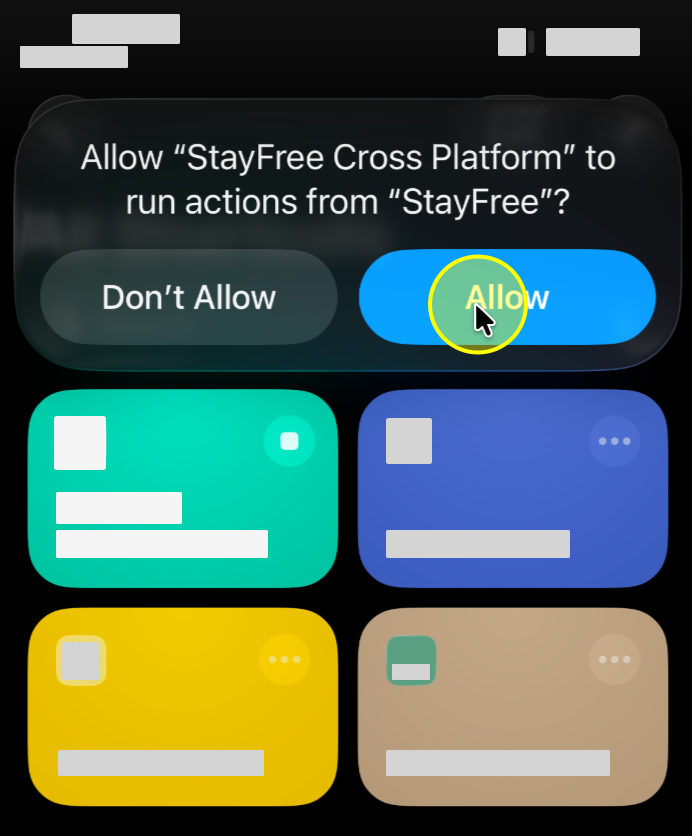
2. Tap "Always Allow" for permanent access.
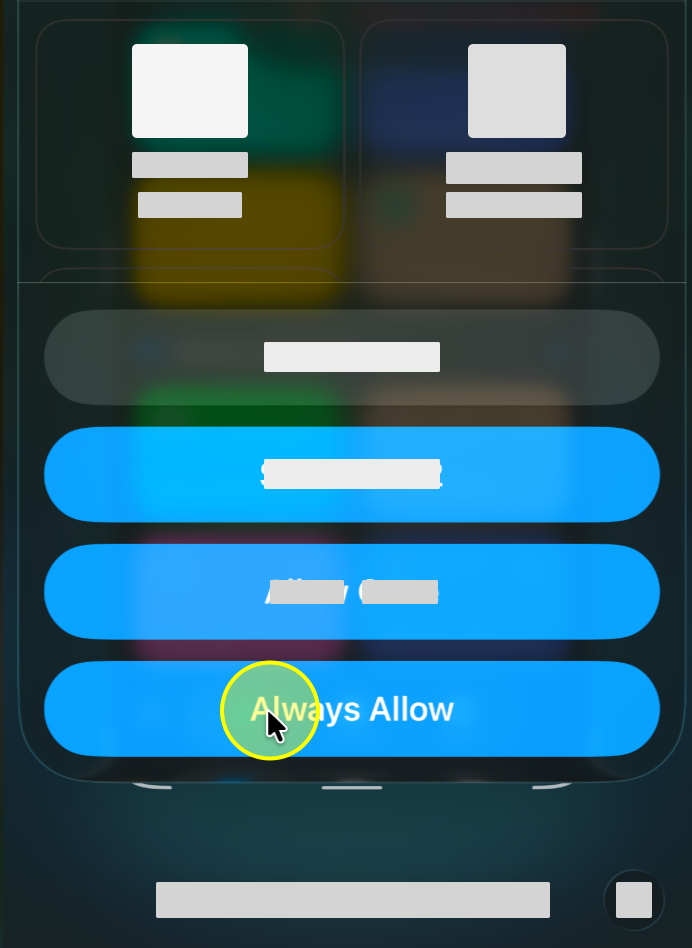
3. Navigate back to the StayFree app.
Part III
Set Up Automation
Set up an automation to run the shortcut daily so your data stays synced automatically.
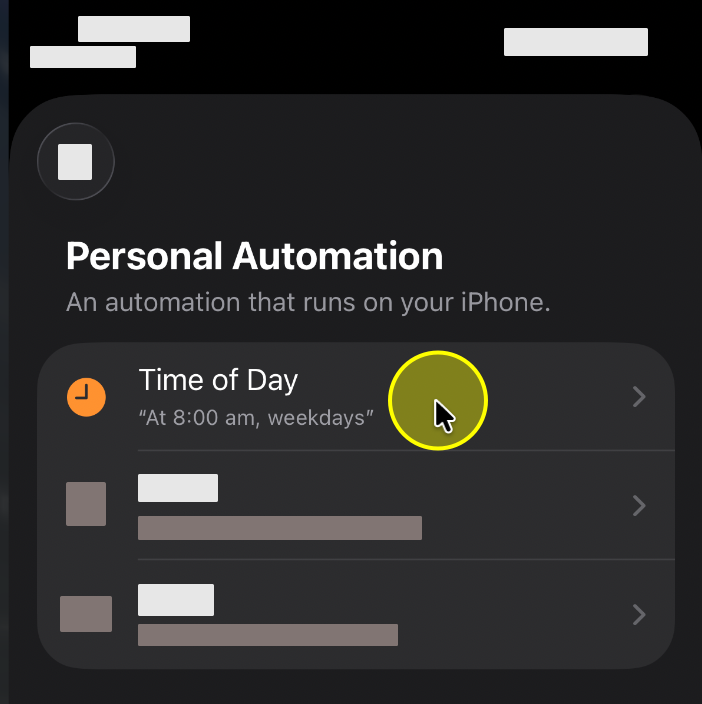
1. Select the "Time of Day" trigger.
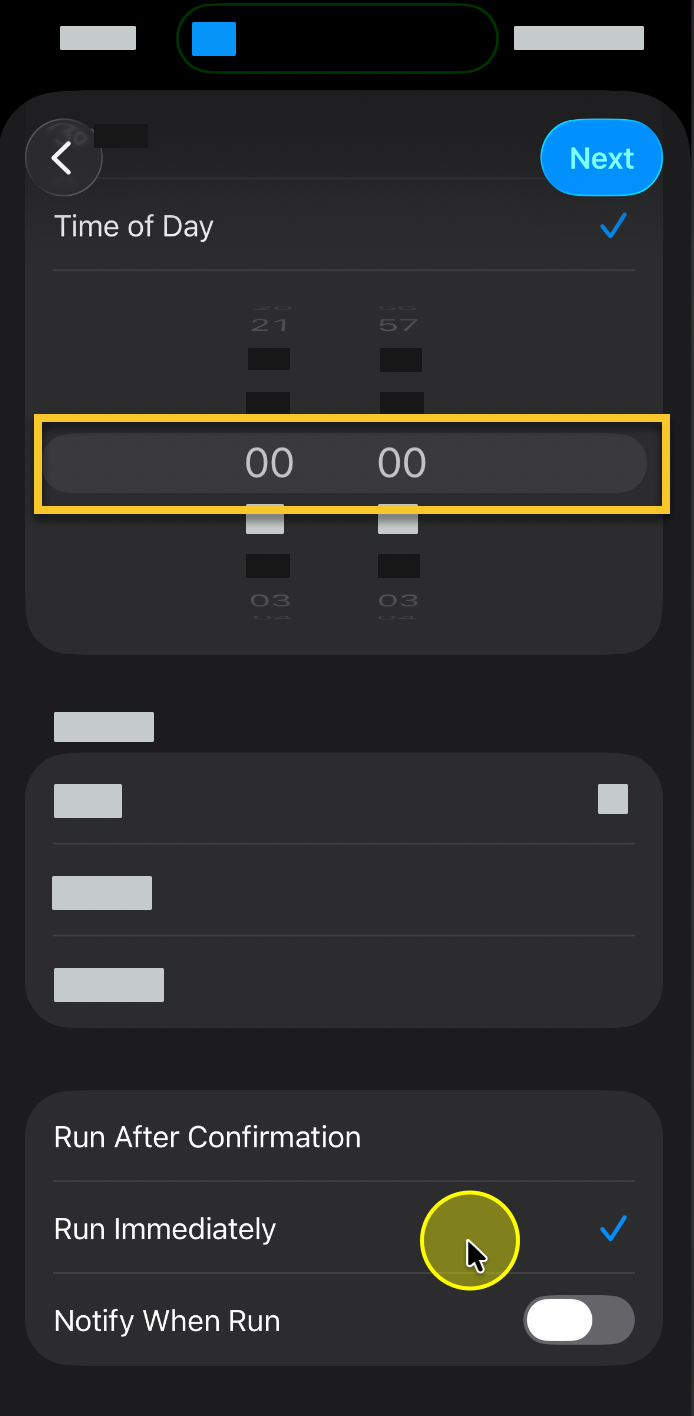
2. Set the time to "00:00" and choose "Run Immediately".
3. Select the "StayFree Cross Platform" shortcut.
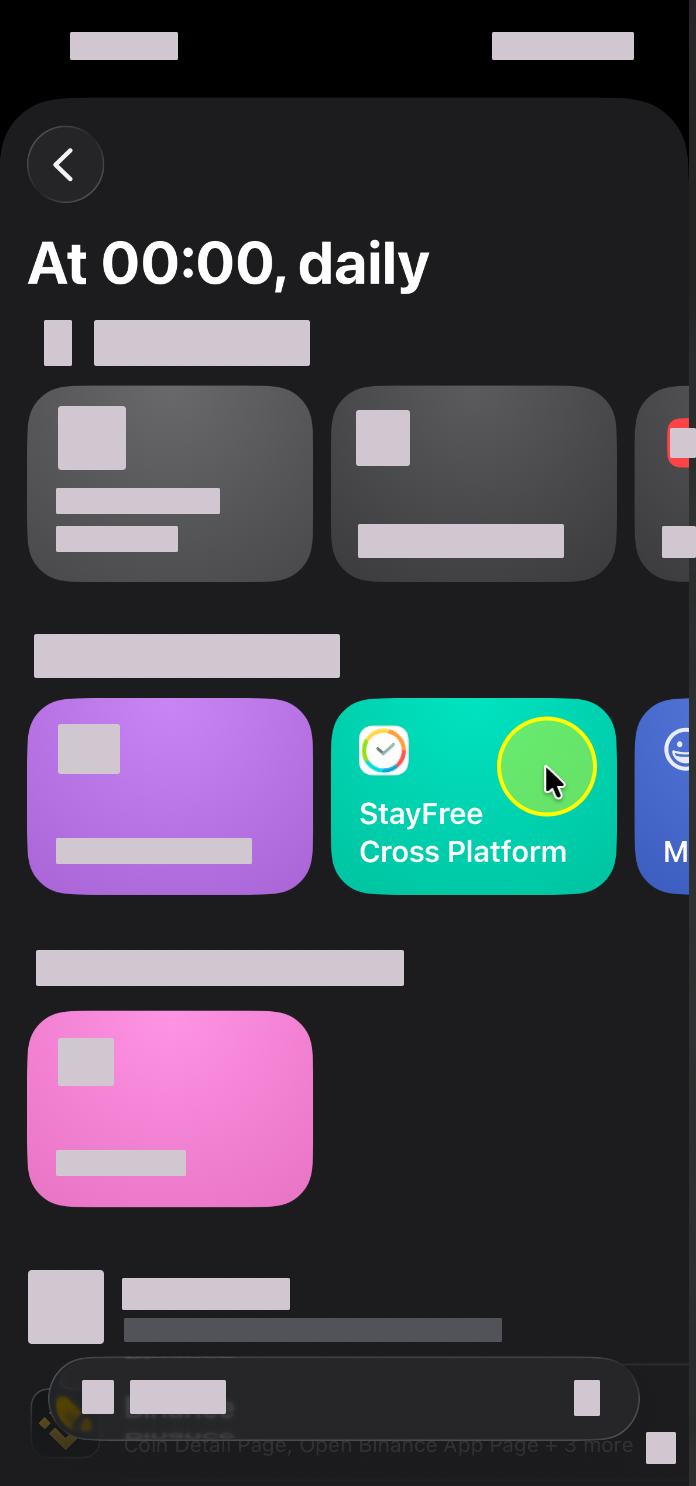
4. Navigate back to the StayFree app.